Customer challenge: multi-entity consolidation across separate QuickBooks Online files
Pavilion Advisors is a CFO and bookkeeping firm led by Keith Arnell, CPA, who has spent more than 15 years in consulting and fractional CFO work. The firm serves real estate, construction, and SaaS companies.
Those industries rarely run on a single entity, so multi-entity consolidation is part of every month-end. Each entity keeps its own QuickBooks Online file, and QuickBooks Online reports on one company at a time.
The old multi-entity consolidation workaround was the familiar one. Run a profit and loss in every entity, export it, paste it into a master workbook, then repair the formulas the new rows just broke. Nothing carried over month to month except the layout.
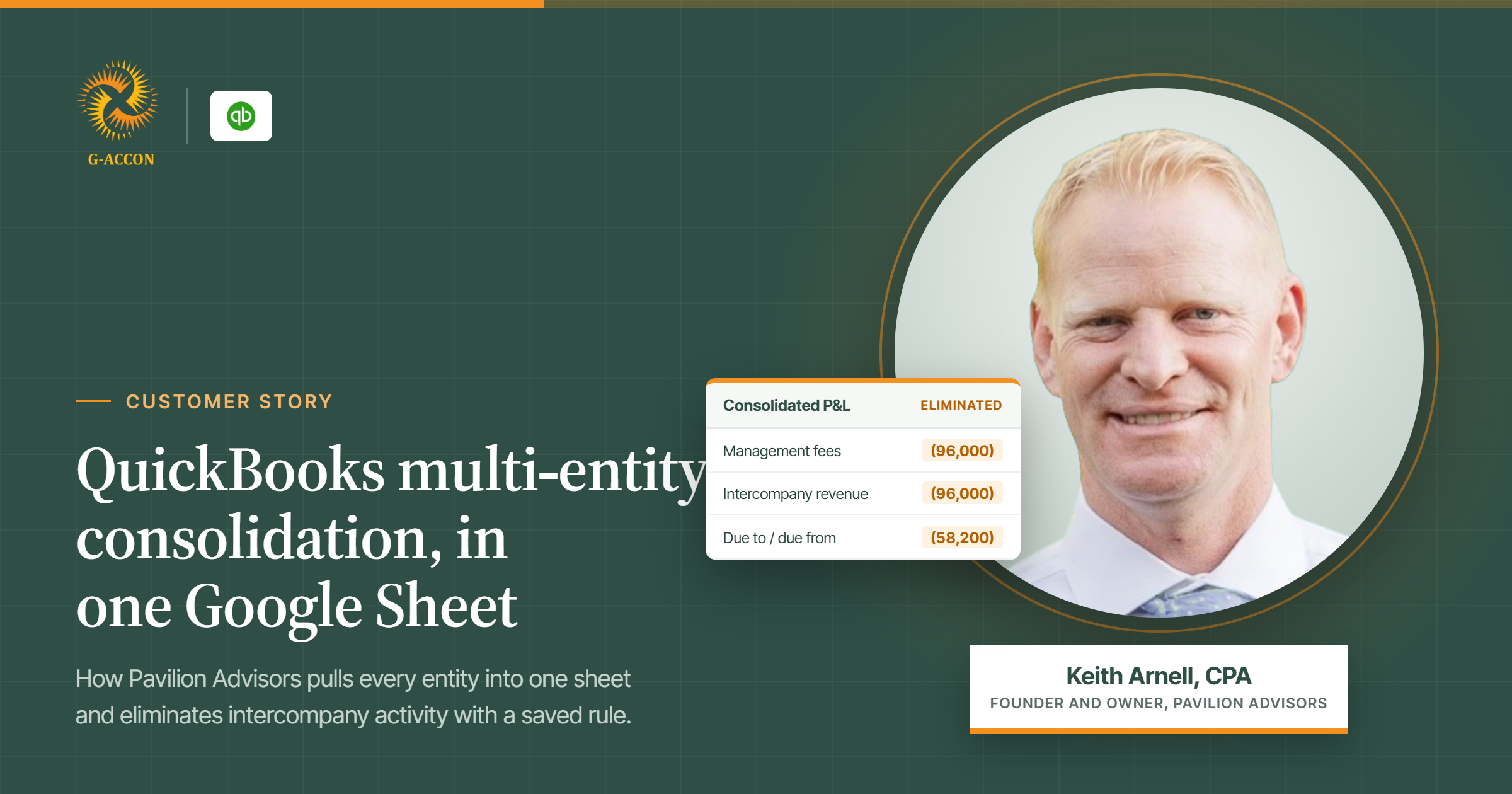
Intercompany activity made it harder. Management fees and due to and due from balances sat in both files, and the list of pairs to remove lived in someone's head or a side tab.
“
You're having to go back and pull data from QuickBooks every month, and have to redo it every month.”
Keith Arnell, CPA, Founder and Owner, Pavilion Advisors
Solving the consolidation problem: G-Accon turns separate QuickBooks Online companies into one financial picture
G-Accon runs as an extension inside Google Sheets and holds the connection to every QuickBooks Online company the firm can access. Connect a company once and it is available to report from.
The whole multi-entity consolidation is then one saved template, so the same definition runs every month.
With the G-Accon and QuickBooks Online integration, Pavilion Advisors can:
- 01Pull profit and loss, balance sheet, and cash flow from every connected QuickBooks Online company into one sheet
- 02Apply elimination sets to intercompany activity and keep the eliminated amounts in their own column
- 03Group related accounts into a single reporting line across entities
- 04Generate KPI dashboards on a rolling twelve-month window
- 05Convert currency at month-end or at a rate the firm defines
- 06Refresh on demand or on a set schedule
The solution: one multi-entity consolidation template, one board-ready pack
Everything about the report is decided in the template: which companies go in, the date range, accrual or cash, how many periods to show, and the sort order. Keith runs his on a dynamic range, so each new month adds a column and drops the oldest. He never rebuilds it.
The elimination set is where the manual tracking stops. Four handling choices sit in the template, and Keith takes the one that excludes intercompany transactions from the totals while keeping them in a separate column. The totals come out clean, and the eliminated amounts stay on the page where a board member, a reviewer, or an auditor can follow the math.
Account grouping then rolls related accounts into one line across the selected companies, so dues, bank fees, memberships, and continuing education collapse into a single administration line. The detail stays in QuickBooks Online.
The last layer is formulas. Keith keeps the raw statements on their own tabs and builds formal financials on top, pointing at those tabs. Refresh the data and the formal statements move with it.
“
One thing that I really enjoy about G-Accon is the customization. A lot of the software puts you into a box where it's based on their templates… G-Accon is nice because you can really customize it whatever way you want.”
Keith Arnell, CPA, Pavilion Advisors
Multi-entity consolidation in QuickBooks Online: the 3 steps
Step 1: Connect every QuickBooks Online company
Open G-Accon in Google Sheets and connect each QuickBooks Online company the firm manages. Each connection is made once. After that, every entity is available to report from inside the same sheet, with no exports and no copy-and-paste.
Step 2: Build the consolidation template
Choose which companies go in, the date range, accrual or cash basis, the number of periods and the sort order. Add the elimination set so intercompany eliminations come out of the totals and stay visible in their own column, then group related accounts into single reporting lines.
Step 3: Refresh and report
Refresh the template on demand or on a schedule. The consolidated profit and loss, balance sheet and cash flow update from live QuickBooks Online data, and the formal statements built on top of those tabs move with them. Next month, the same multi-entity consolidation runs again without a rebuild.
Results at a glance
Faster, defensible multi-entity consolidation for Keith and his clients
- See consolidated results across entities without rebuilding the workbook
- Show what was eliminated beside the totals, so a board or an auditor can follow it
- Hand management a statement that updates itself as the books update
“It's updating all the time and I don't have to reformat anything, and not have to pull another spreadsheet from QuickBooks. It's just real time, always.”
“Garbage in, garbage out. You've got to have the right kind of data coming in so that you can understand what's really happening inside your company.”
Keith Arnell, CPA, Pavilion Advisors