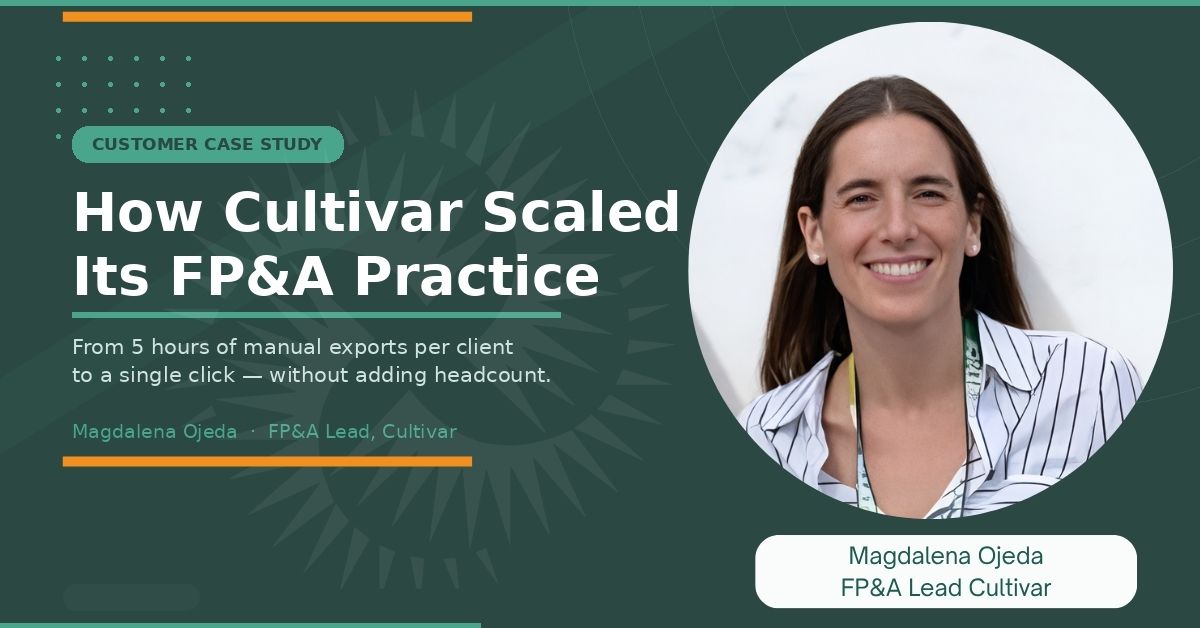
For Magdalena Ojeda, the frustrating part was never the analysis. It was everything that had to happen before she could get to it.
Magdalena is the FP&A Lead at Cultivar, a US-based accounting services firm that helps Consumer Packaged Goods founders understand their financials and make smarter business decisions. She works remotely from Mendoza, Argentina, wine country, as she's quick to mention, supporting a client base of around 50 CPG brands spread across the United States.
Her two-person FP&A team is responsible for delivering monthly financial close packages: the kind of detailed, insight-driven reports that tell a founder not just what happened, but what it means and what to do about it.
It's meaningful, high-skill work. But for a long time, a big chunk of the team's hours were disappearing into something far less meaningful, pulling data out of QuickBooks by hand, every single month, for every single client.
Who Cultivar Serves, and Why the Stakes Are High
CPG stands for Consumer Packaged Goods, food, beverage, and other products sold through major retail chains like Whole Foods and Costco. The founders of these brands are often deeply confident in their products and sales strategies. The financials? That's a different story.
Cultivar was built specifically for this gap. The firm handles everything from inventory costing to monthly financial reviews, translating complex accounting data into clear, plain-English insights that founders can actually use to run their businesses.
As Magdalena puts it: "We do the math so that the founders can focus on making the magic."
With a team of around 20 people, including accountants, FP&A analysts, and account managers, Cultivar originally built its reputation around boutique Napa Valley wineries before opening its doors to CPG founders more broadly. That growth was a good problem to have. But it also exposed how fragile their reporting process really was.
The Problem: A Reporting Process That Didn't Scale
Before G-Accon, every reporting cycle at Cultivar started the same way:
- Log in to QuickBooks.
- Export the reports.
- Copy the data into spreadsheets.
- Check for errors.
- Reconcile everything.
And then, the moment updated financials were needed, do it all over again. Depending on the complexity of a client's P&L or cash flow statement, the process took anywhere from 2 to 5 hours. Per client. Every month.
The compounding cost of manual reporting
|
2–5 hours per client spent on data preparation before any analysis could begin |
~50 active clients each requiring updated financials on a recurring monthly basis |
The numbers paint one picture. But Magdalena points to a second cost that rarely shows up in a time audit: what repetitive, low-value work does to a team over time.
"When teams spend a lot of time on repetitive tasks, it not only lowers productivity, it also lowers engagement," she said. "We weren't using the best part of our brains. Instead of focusing on financial analysis, we were spending time just preparing the data."
There was also the constant risk of human error. Manual copy-paste work across dozens of client files meant mistakes were bound to happen. Finding them after the fact cost even more time, and occasionally made it into deliverables before anyone caught them.
The Search for a Better Way
Pedro, the CEO of Cultivar, led the search. He evaluated between three and five different tools before settling on G-Accon. The criteria were simple: reliable, efficient, and practical for a firm operating at Cultivar's scale and pace. G-Accon came out on top. Cultivar became a Platinum QuickBooks partner through the integration, and the team rebuilt its reporting workflow from scratch.
How Cultivar Uses G-Accon Today
The foundation of Cultivar's setup is a Google Sheets model connected directly to QuickBooks via G-Accon. There are no more manual exports. The team refreshes their data with a single click, and revenue figures, costs, and financial metrics update instantly.
The model tracks performance across the areas that matter most for CPG businesses, revenue by category, gross margin, and operating expenses. If anything changes in QuickBooks, the next refresh automatically captures it. No re-exporting, no manual updating, no scrambling to figure out which version of the spreadsheet is current.
One nuance worth noting: Cultivar uses a mix of automated and manual refreshes depending on the situation. For ongoing reports, automated syncing keeps data current in the background.
But for the monthly close package, where the analysis needs to reflect financials at a precise point in time, the team prefers to trigger the refresh manually, so they're working from a deliberate cut-off rather than a moving target. It's a small distinction that makes a real difference in the quality and reliability of what gets delivered to clients.
From that live data layer, Cultivar builds the deliverable their clients actually see: a monthly close package that combines the numbers with the narrative.
What Cultivar's monthly close package includes:
|
Executive summary A plain-English explanation of what happened that month, revenue trends, margin pressures, and any standout results worth flagging to the founder. |
P&L vs. budget comparison A clear breakdown of where the business is over- or underperforming against plan, including why, not just what the numbers say. |
|
Trend analysis Month-over-month performance is reviewed to determine whether patterns are consistent or whether structural issues are starting to develop. |
Full-year outlook A forward-looking view of whether the business is on track to hit its annual targets, anchored by KPI dashboards that drive the key decisions. |
The client-facing presentation is deliberately visual, with graphs, charts, and dashboards designed to be easy for a founder to read and act on, not just a wall of numbers. Crucially, it links directly to the live Google Sheet. When Cultivar refreshes the underlying data, the charts and graphs in the presentation update automatically with it. The team also layers in AI tools to support the narrative side of the work, making it faster to turn data into the kind of clear, actionable story that founders actually need.
"Our time is really focused on explaining the story behind the numbers," Magdalena said, "rather than preparing the data."
The Results
The impact showed up in three places: speed, quality, and the energy of the team doing the work.
|
Faster turnaround Reports that previously took 2–5 hours per client to prepare now refresh with a single click. Across a 50-client book of business, that's a significant amount of time back every month. |
Fewer errors, caught faster Automated data pulls removed the manual layer where most errors originated. Any mistakes that did exist in the source data became visible immediately and could be corrected quickly. |
Better margins, more clients With less time spent on data prep, Cultivar could support a growing client base without adding headcount, improve service margins, and scale the business at the same time. |
The shift in team morale was just as real as the efficiency gains. "Everyone was grateful that with a single click we could refresh information," Magdalena said. Month-end stopped feeling like a grind. The team arrived at close, ready to do the work they were actually hired to do: analysis, insight, and advice, rather than hours of data prep still ahead of them.
"It really was a game changer for us as a company," she said. "It helped us to be more reliable for our customers, and the team engagement was higher because they weren't spending time on things that didn't add value."
"Our time is really focused on explaining the story behind the numbers, rather than preparing the data."
Magdalena Ojeda, FP&A Lead — Cultivar
What Magdalena Would Tell Other FP&A Teams
Her advice is direct: stop treating the manual process as the default.
"Explore automation tools for time-consuming manual reports," she said. "There are a few options out there, and we chose G-Accon because it was the best fit for our situation. But really, tools like this are super useful, and you won't regret using them."
For Cultivar, the payoff went beyond just saving time. It changed what the FP&A team could offer. Less time on data prep meant more time on the analysis that actually moves the needle for clients, the kind of work that builds long-term trust and justifies the engagement.
Ready to See What This Looks Like for Your Firm?
If your team is spending more time pulling data than analyzing it, the fix is probably simpler than you think. G-Accon connects directly to QuickBooks and Xero, keeping your reports live in Google Sheets, without exports, manual updates, or version headaches.
Get Started
Spend less time on data prep. Spend more time on what matters.
See how G-Accon can work for your accounting or FP&A practice.