Three new comparison modes show how performance changes over time, right in Google Sheets. No more manual period-over-period calculations.
To set one up, open the template and go to Edit Template›Report Parameters. Pick a date range, then choose an option under Compare to Time Period.
Put two or more periods side by side, for example this month against last month, or this quarter against the same quarter last year.
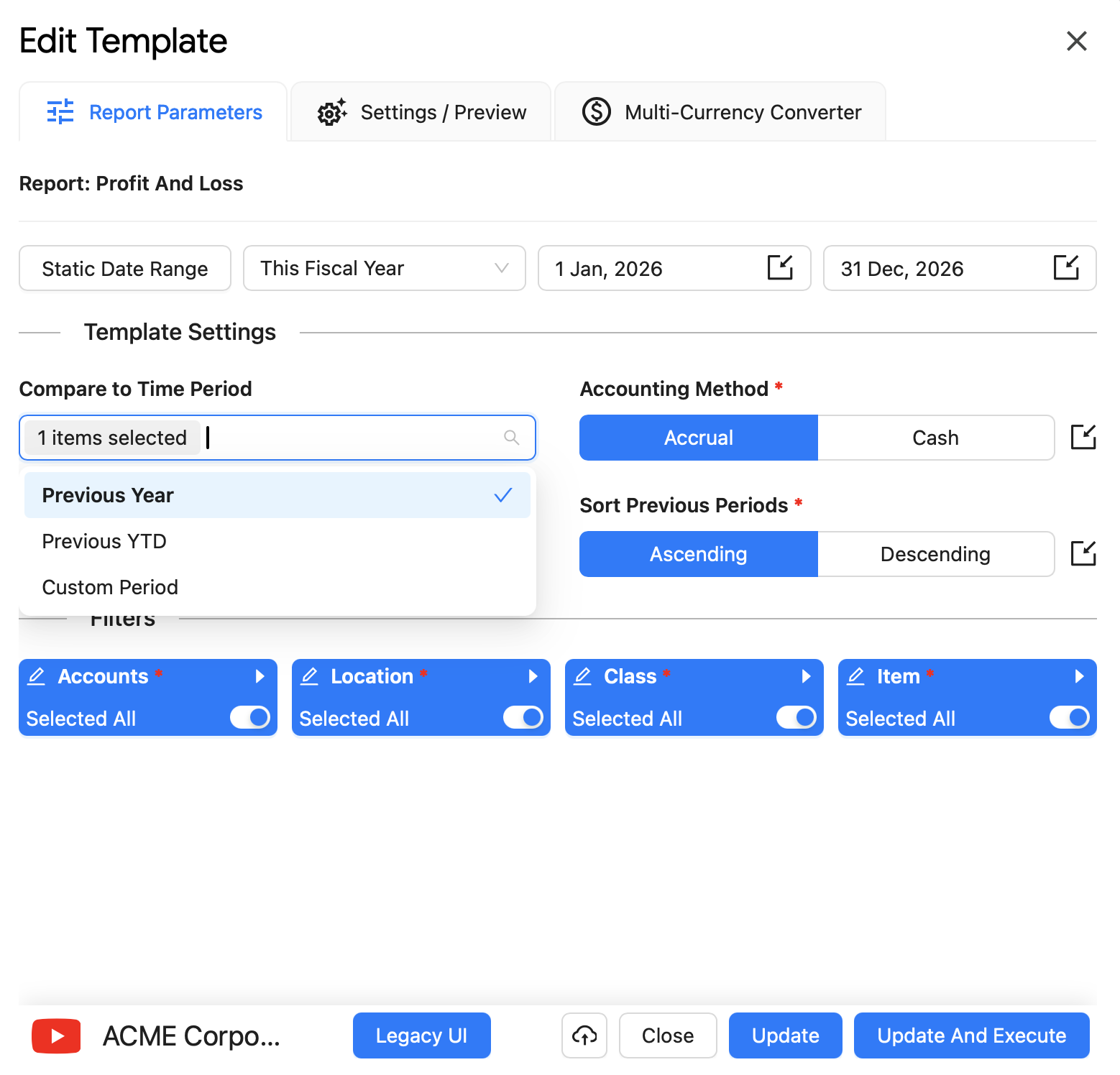
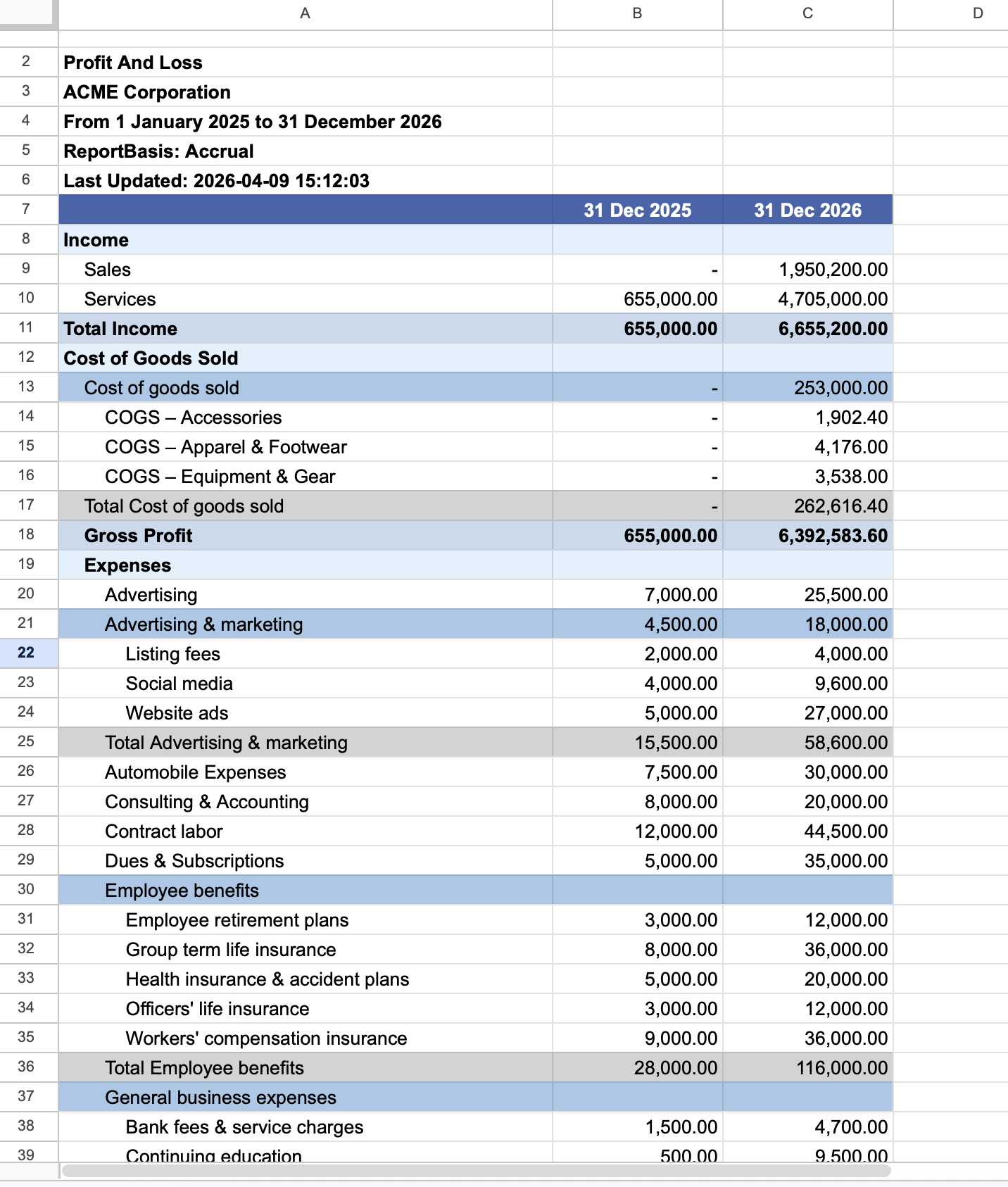
Adds up figures from the start of the financial year to the end date, then compares that total with the same year-to-date period last year. Useful for board reports and investor updates. G-Accon handles the year boundaries, so you never adjust the dates by hand.
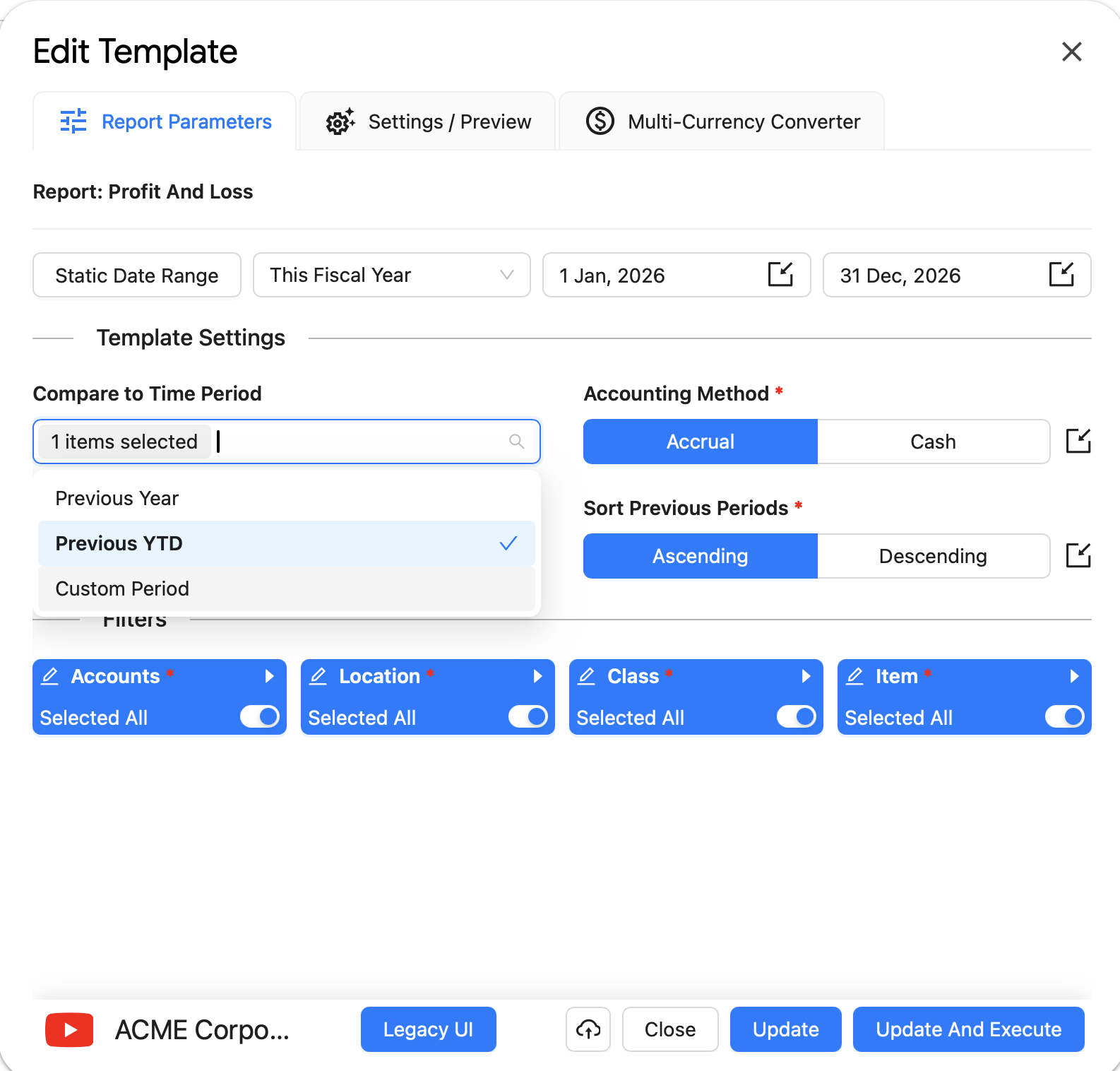
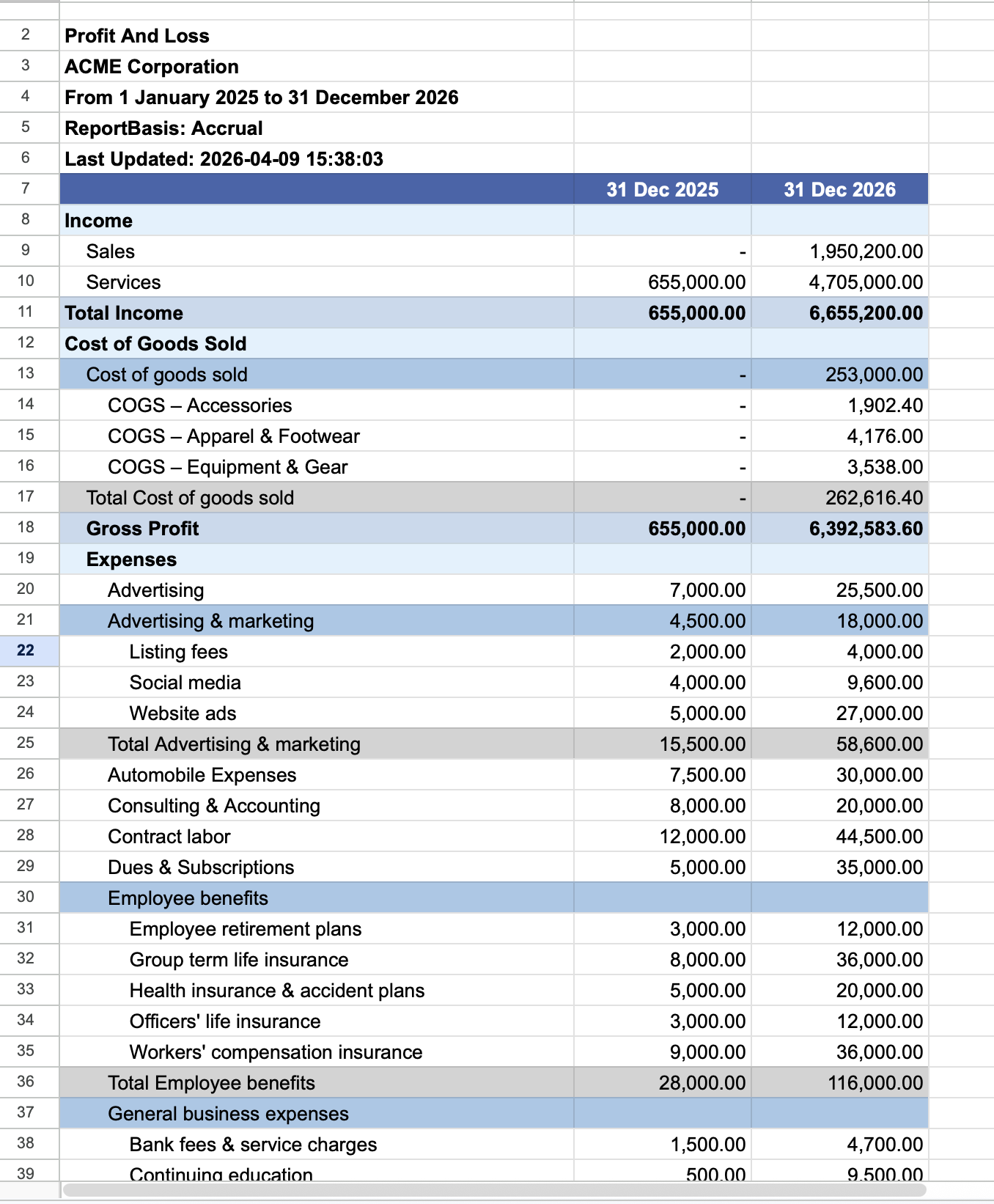
Choose your own start and end dates for the year to date and compare them with the same window in an earlier year. Good for fiscal years that differ from the calendar year, grant reporting, project accounting and multi-entity businesses.
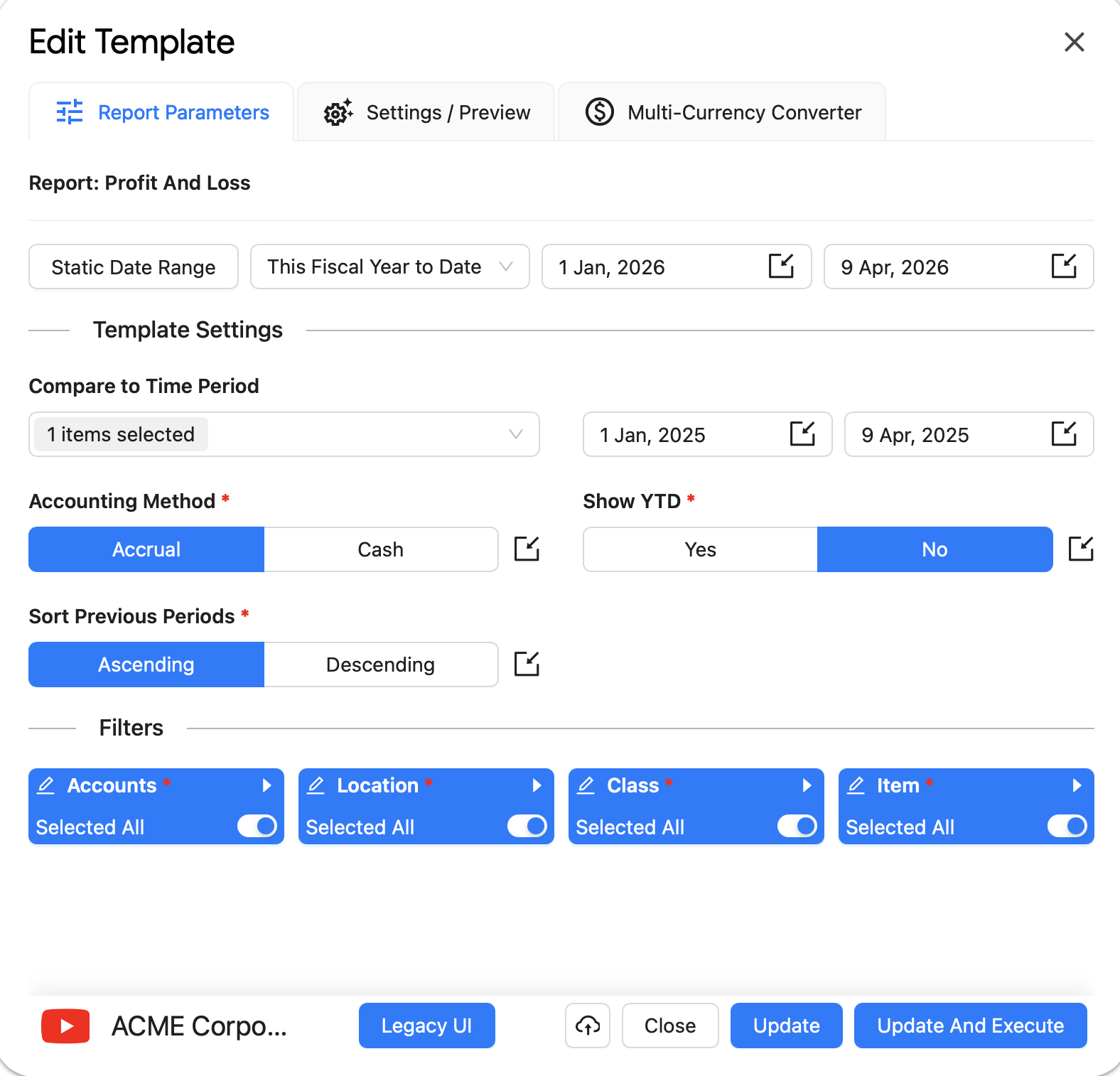
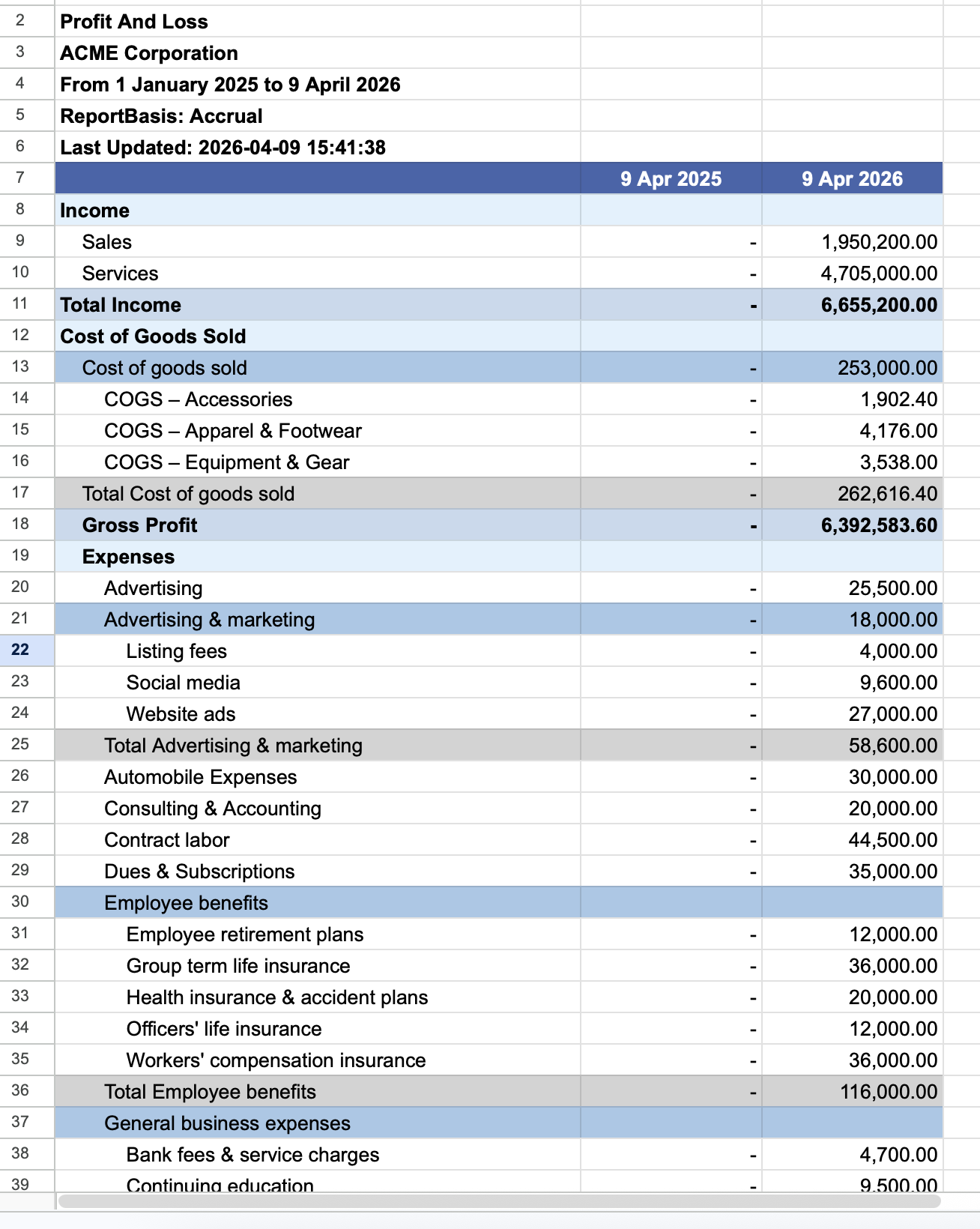
The updated reporting suite gives you more control over how QuickBooks data lands in Google Sheets.
Start G-Accon automations from outside the add-on: from your own systems, third-party platforms, or workflows built with tools like Zapier, Make or your own backend. Run reports, sync data and start scheduled exports without opening Google Sheets.
Our support team is happy to help.