Export your QuickBooks Online deposits into Google Sheets: dates, amounts, accounts, cash back details and deposit lines. Choose the fields, filter and sort them, and refresh the list whenever you need.

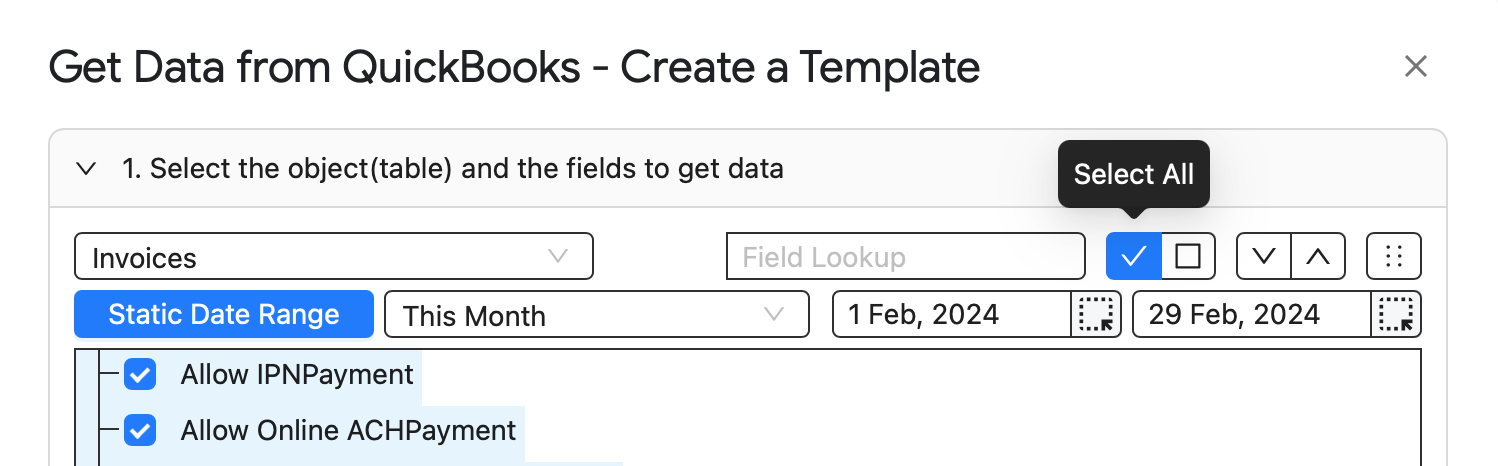
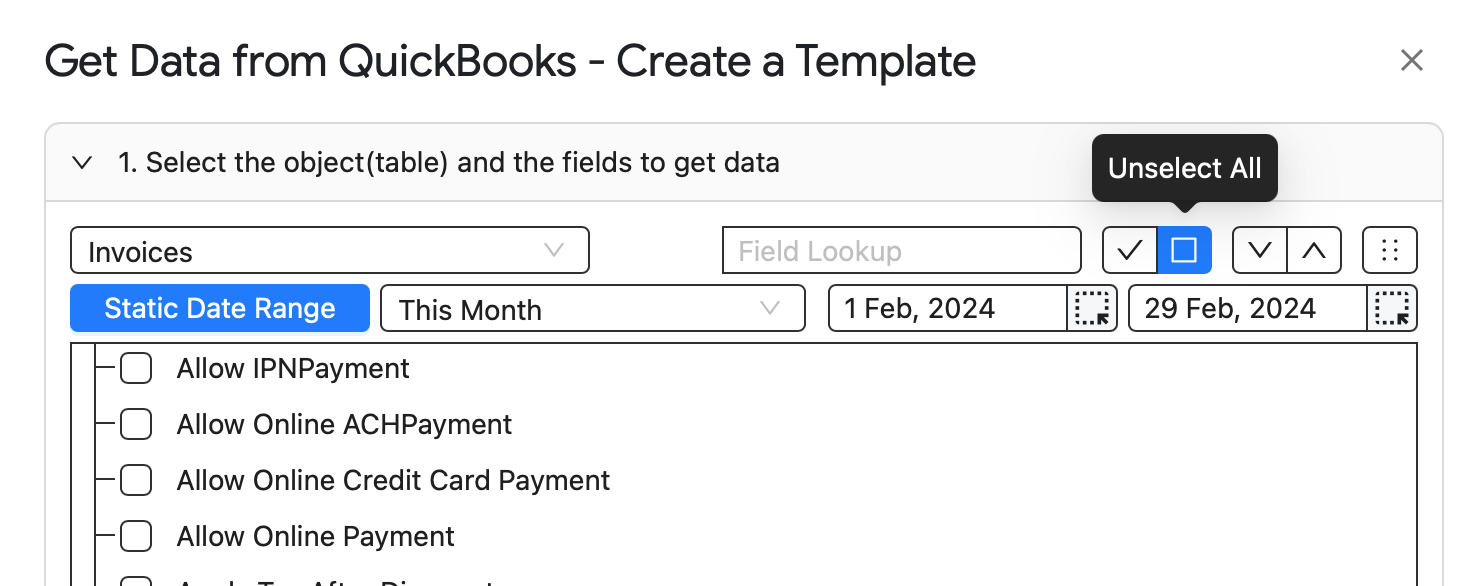
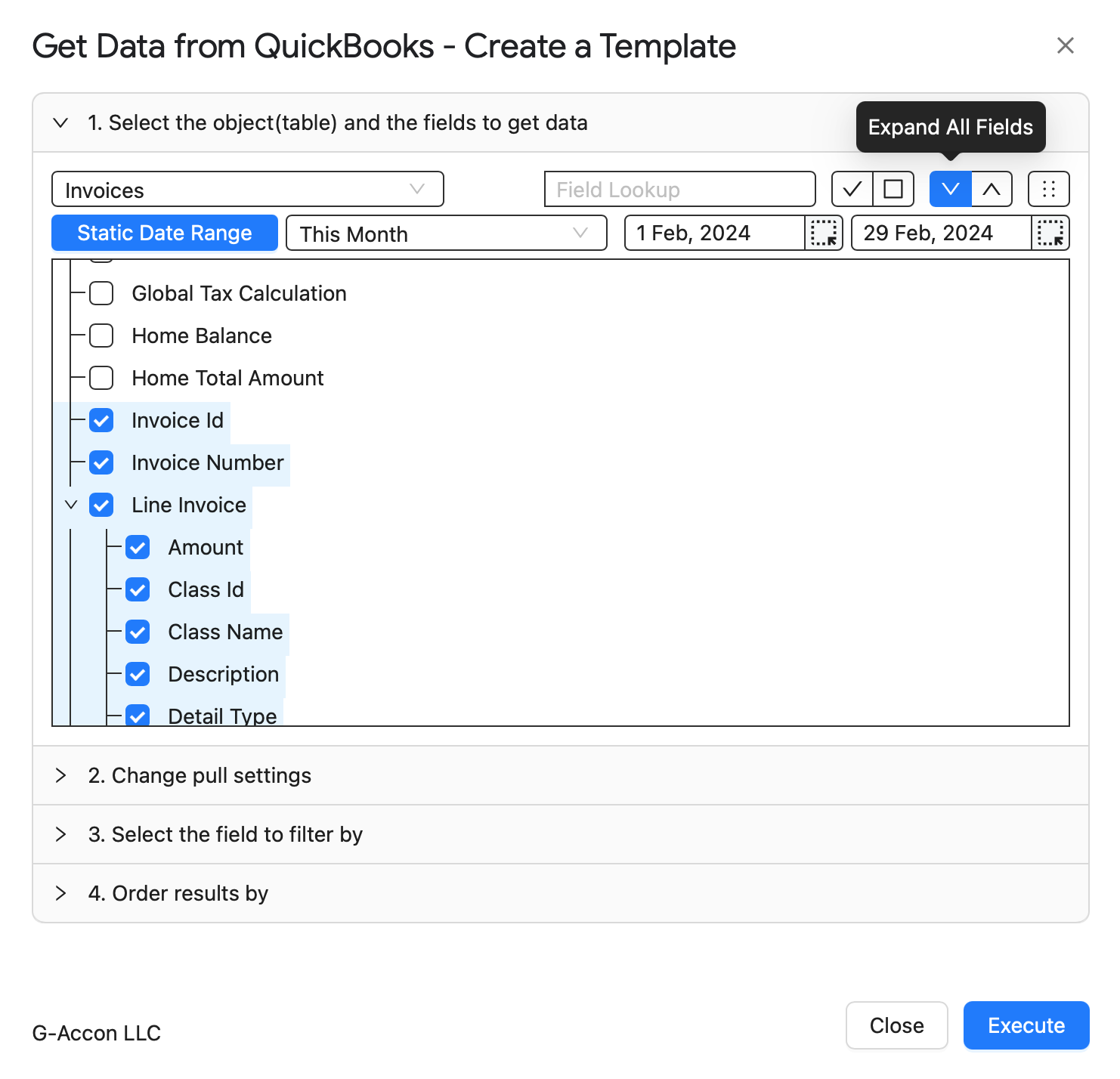
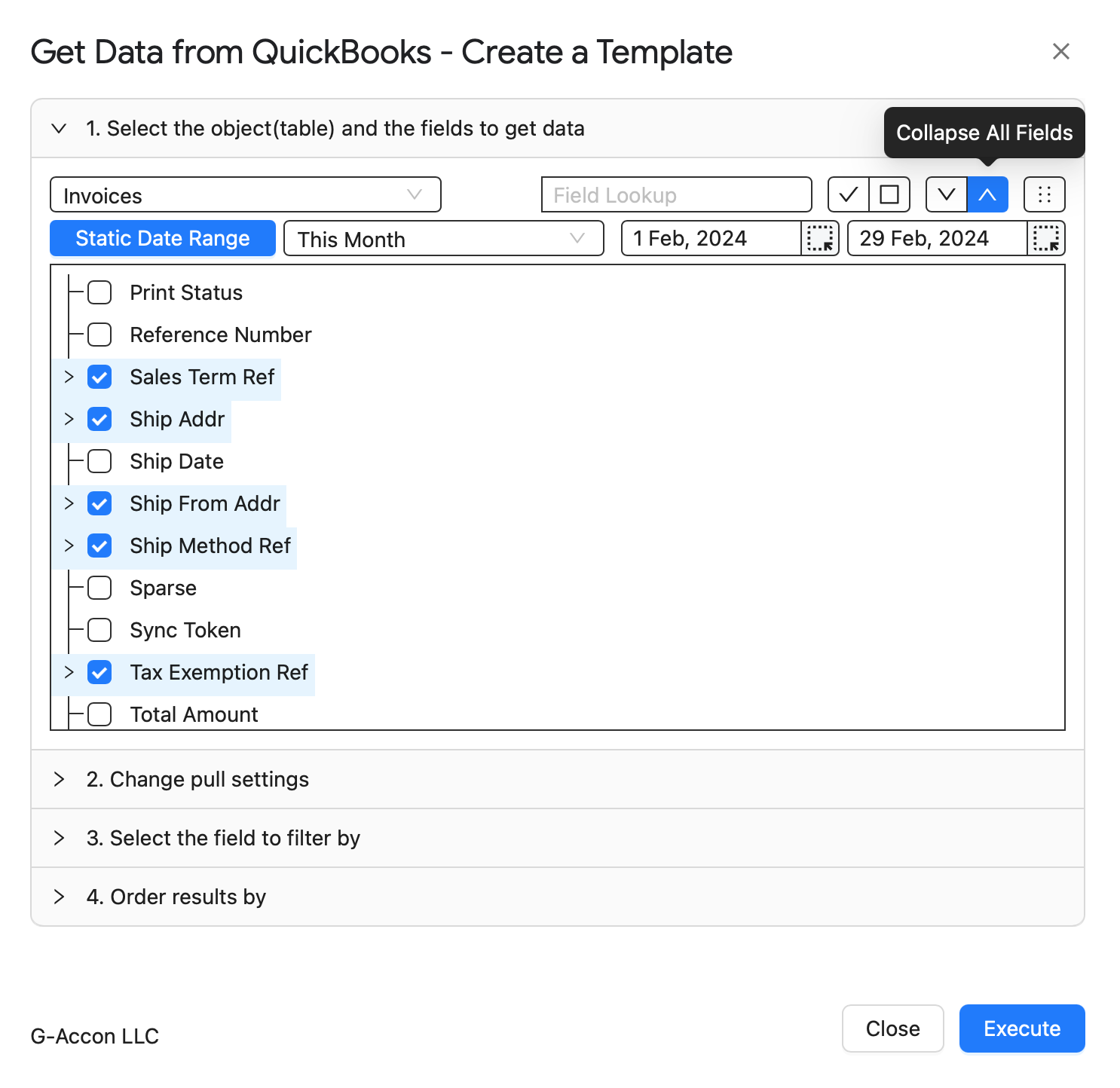
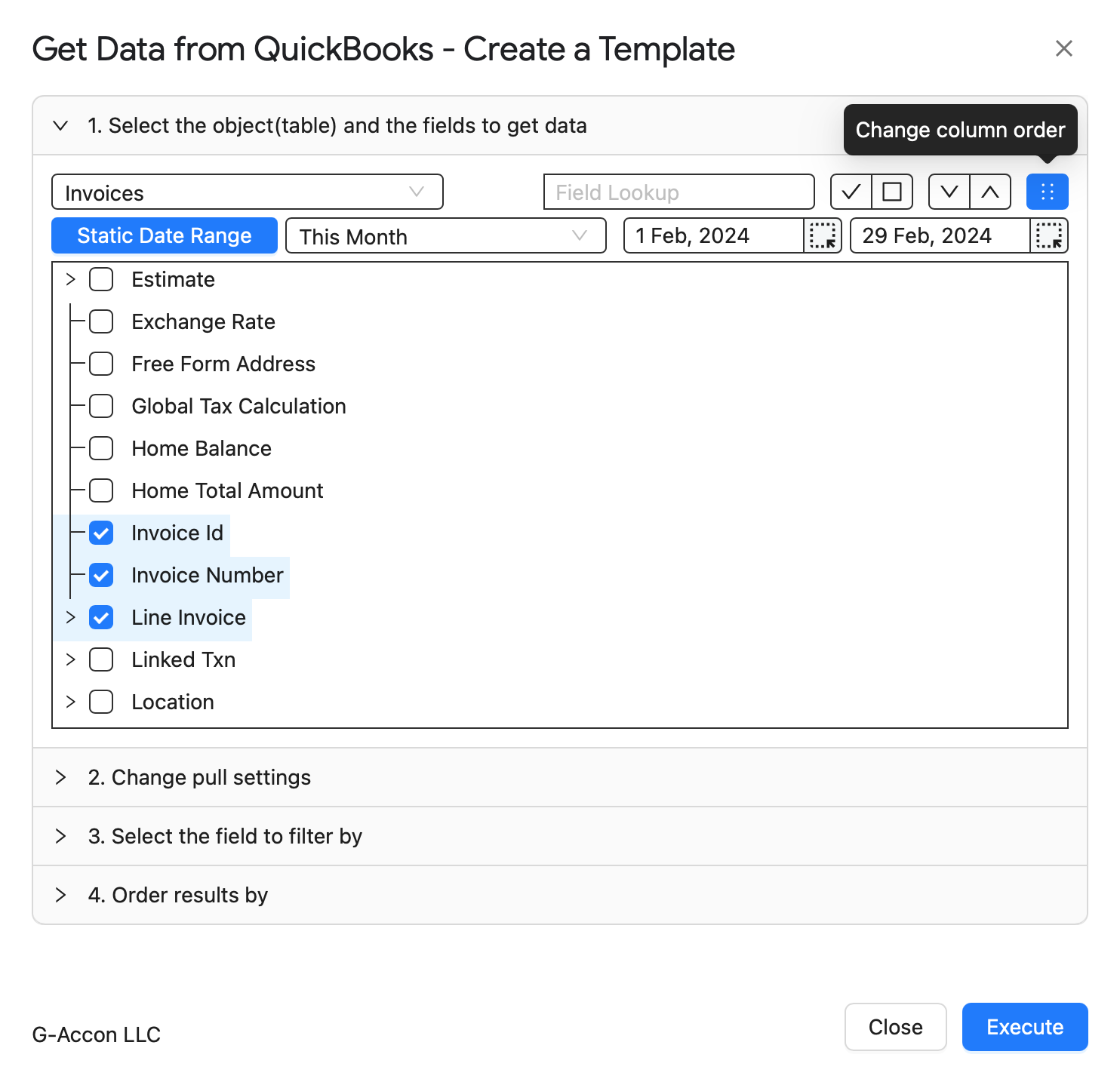
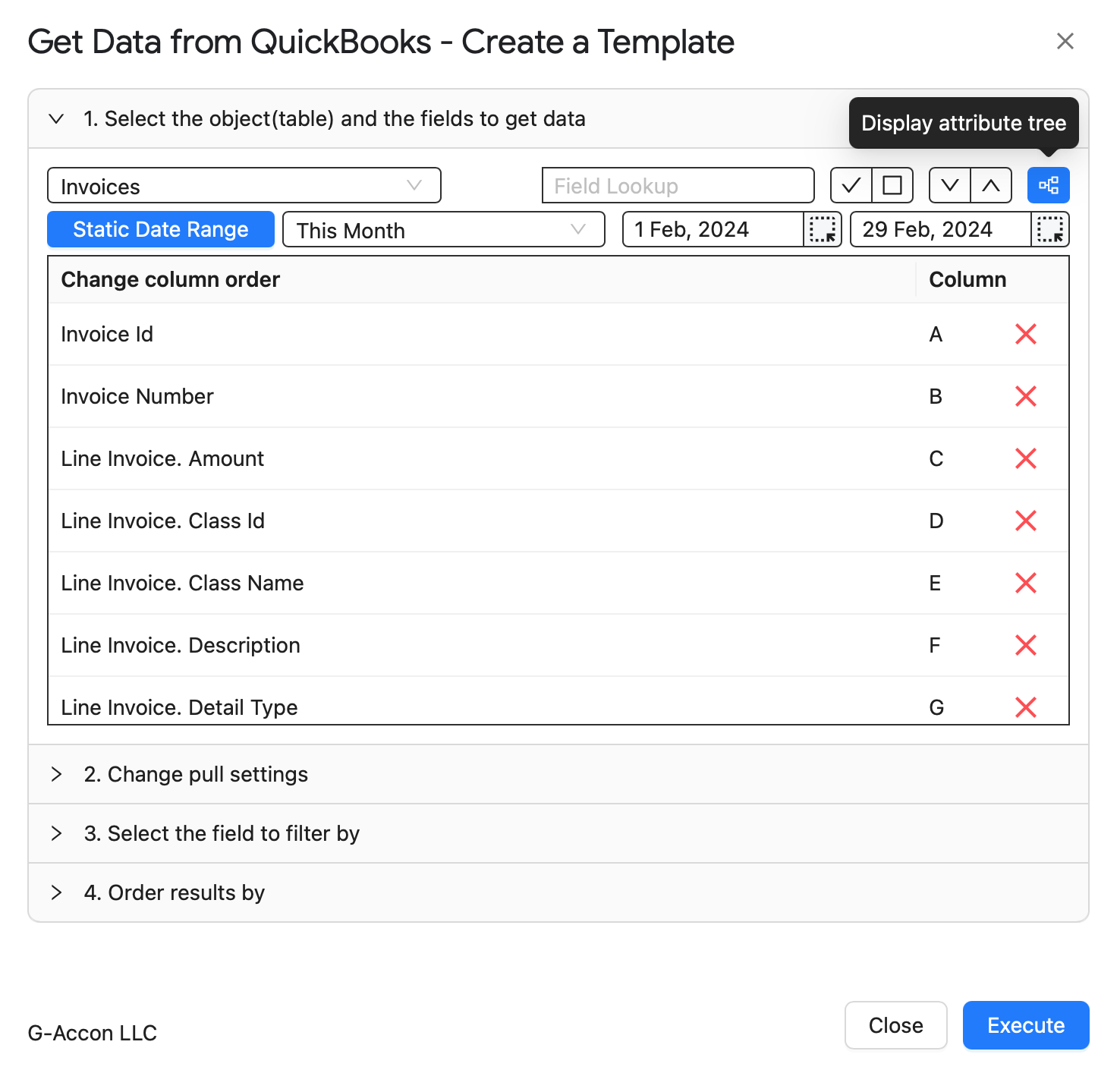
Tick the fields you want as columns, or use Field Lookup to find one by name. The buttons beside it help with long field lists:
These examples use the Invoices table. The buttons work the same for Deposits.
Deposits has no date range. To narrow the list, add filters in step 4.
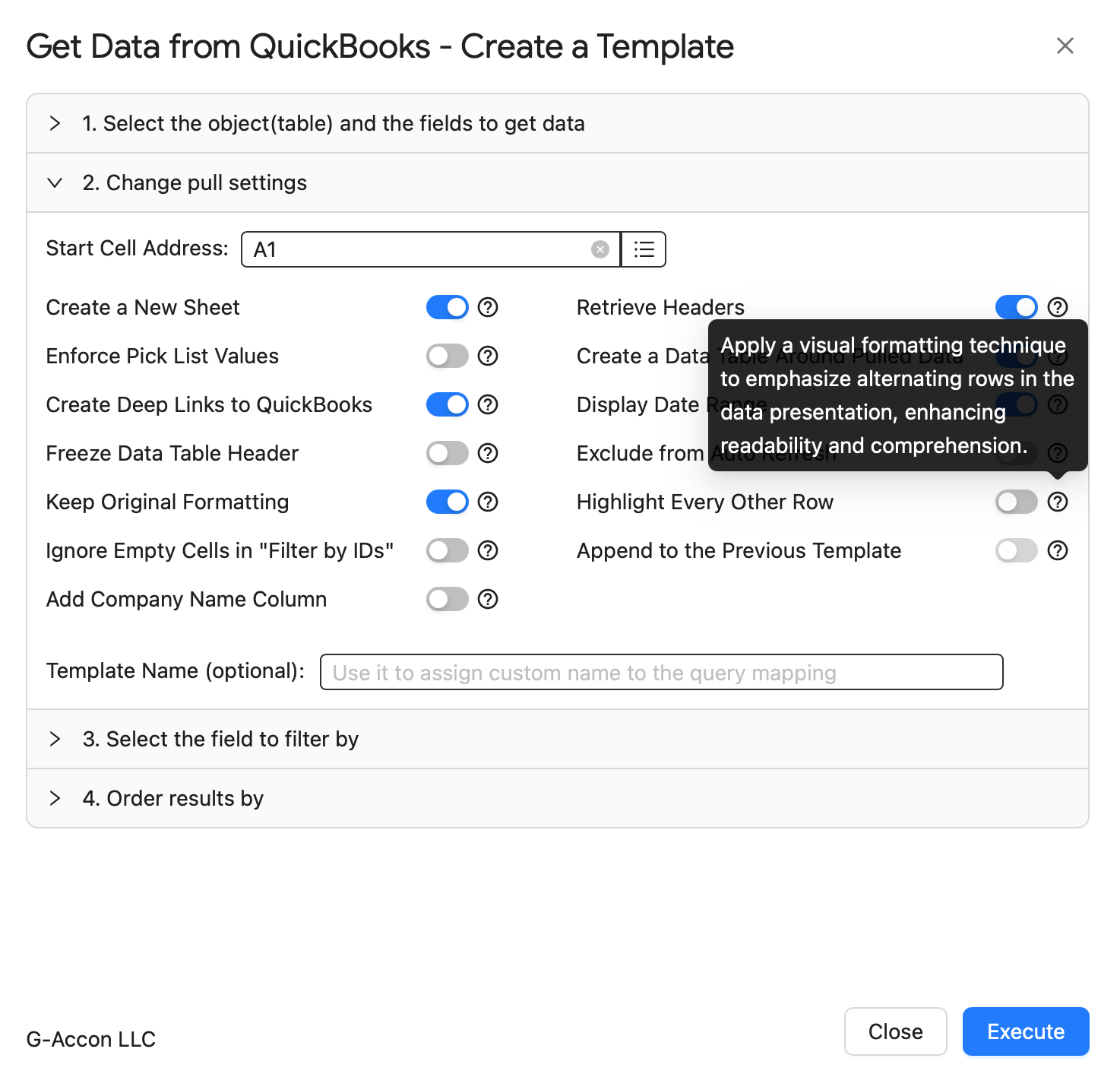
Switch on what you need. See every setting with examples
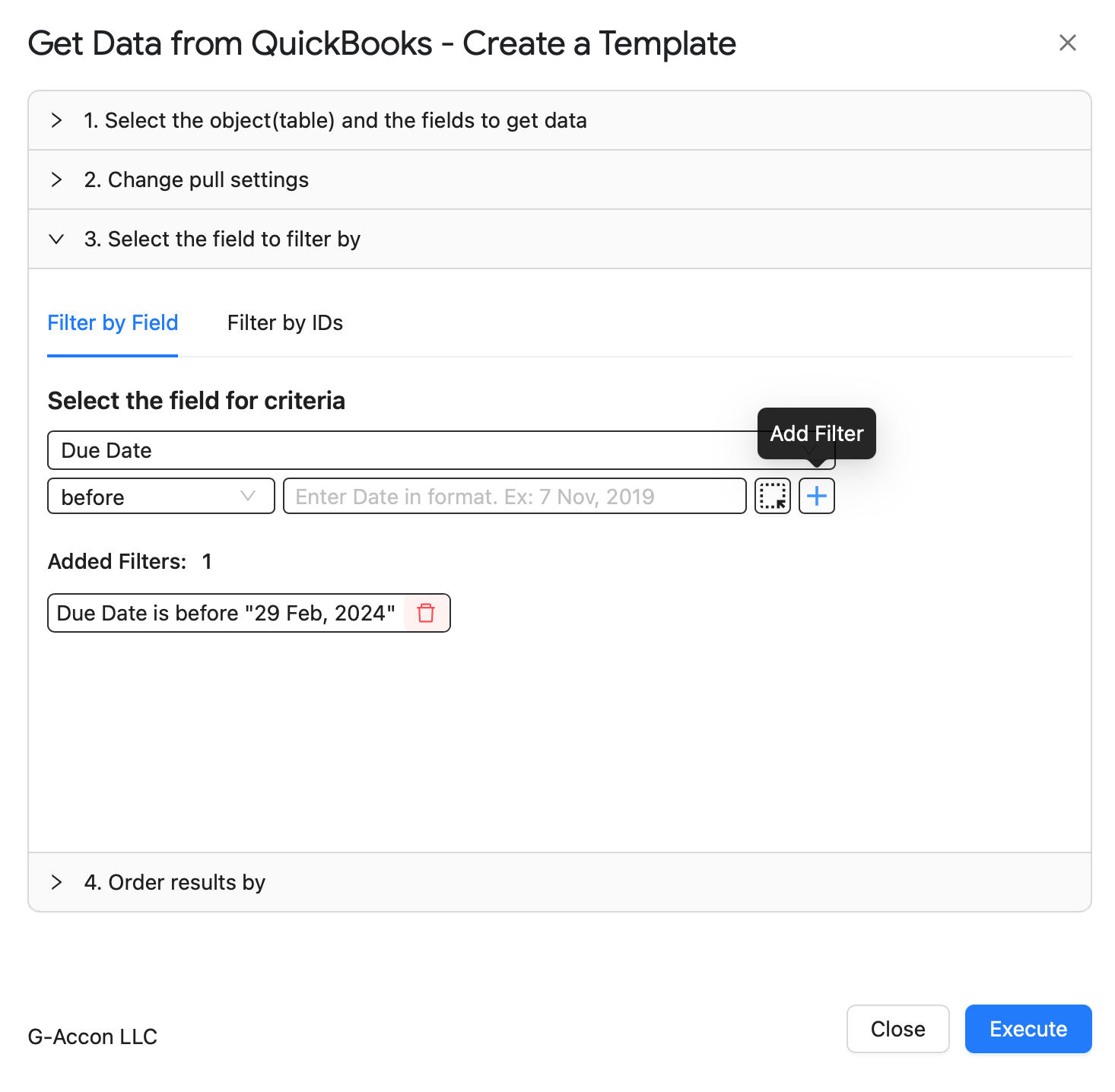
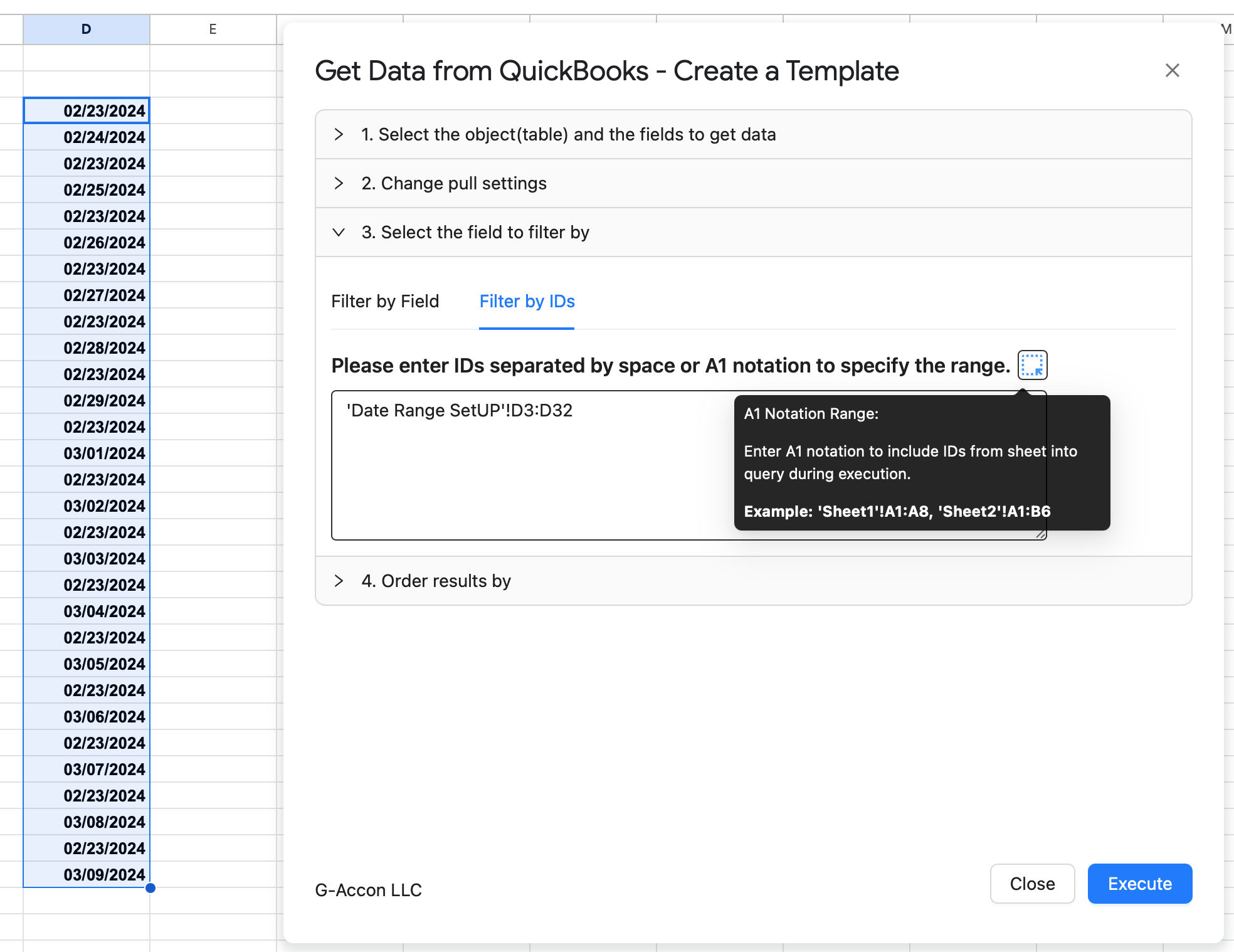
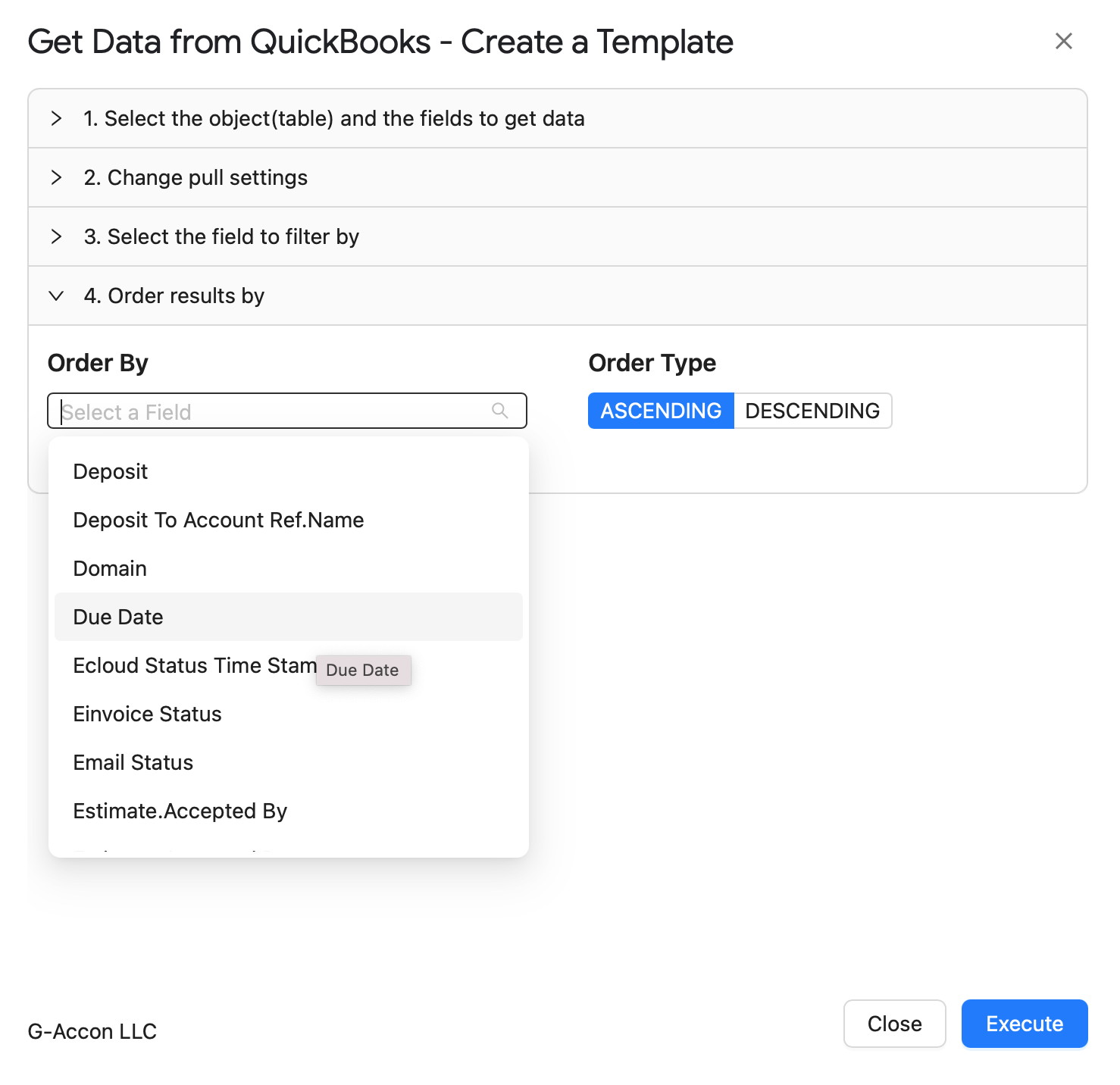
Pick a field in Order By and an Order Type:
Then click Execute. The data lands in your sheet, starting at your Start Cell Address.
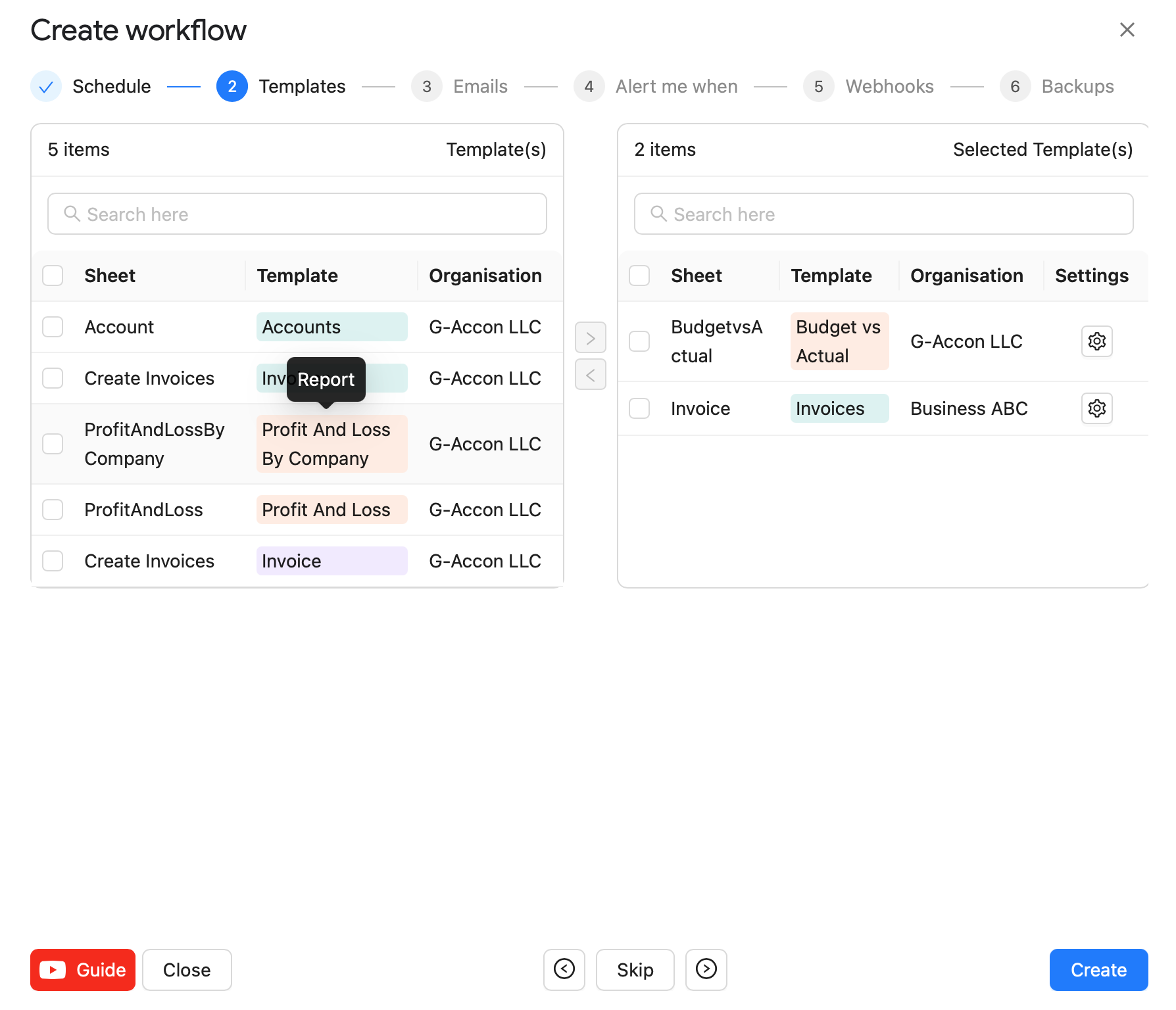
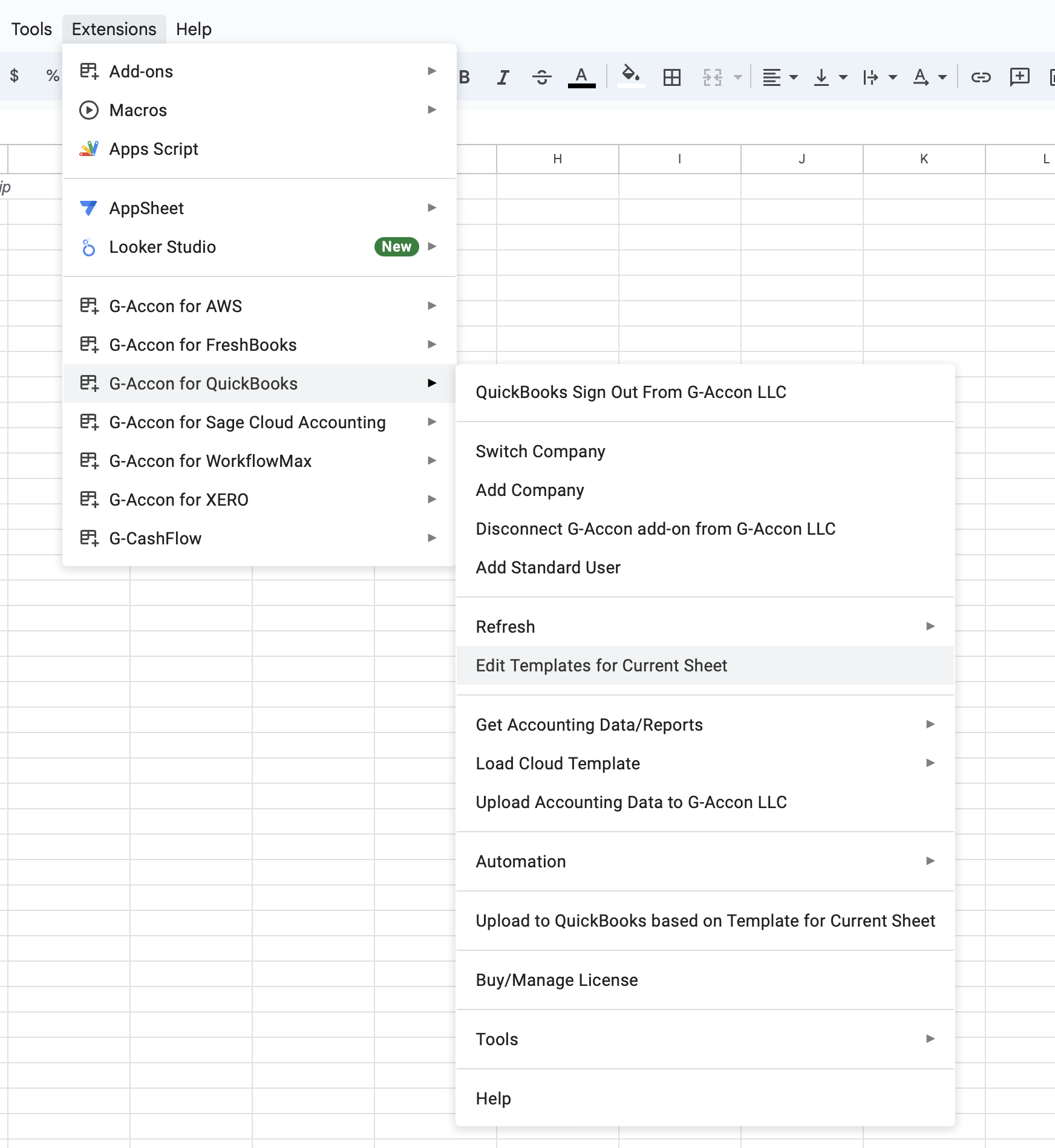
You don't need to be signed in to QuickBooks to edit or refresh a template.
See all 36 QuickBooks tables you can export, or ask our support team.